11 min read
GUIDE / Event Production
How to Plan Remote Presenter Participation at a Live Event
Plan remote presenter participation by agreeing the person's role, what the venue and remote participant must each hear and see, the platform and joining arrangements, who owns each interface and how the contribution fits the programme. Test the intended devices, location, content and two-way exchanges, then rehearse the introduction, questions, cues and handover. Record checked results, unresolved conditions and the authorised response if the connection fails. A successful login or local microphone test does not establish that the whole contribution works.
On this page
Plan what each side needs to receive, then rehearse the contribution and its handovers.
Plan a contribution, not just a connection
“We will put the speaker on a video call” leaves several production questions unanswered. Is the speaker giving a presentation, joining a discussion or answering questions? Do they need to hear a film, see the moderator or receive a private instruction before appearing to the audience?
Start with the activity. A remote panellist taking part in a two-way exchange needs a different arrangement from a remote viewer watching a programme. The requirement may also change between the introduction, presentation and audience questions.
A connection is one part of the contribution. Plan the exchanges and handovers around it.
The production-briefing guide identifies the information needed to begin that conversation. Here, the task is to turn it into an agreed working plan.
Describe what each side needs to receive
Record the remote person's role and the sections they will join. For each section, ask what goes from the remote location to the venue and what must travel in the other direction.
The room might need the person's voice, camera picture and presentation. The remote person might need the moderator, other panellists, audience questions and audio from a locally played video. They may need a view of content rather than a camera picture of the stage, or both at different moments. Specify the purpose before choosing how to provide it.
The return feed is the audio or video sent back to the remote participant. It should support their participation; it is not automatically identical to the audience's screen or sound mix. For a concrete product example, vMix documents selectable audio returns and automatic mix-minus for vMix Call. That describes vMix Call, not a feature guaranteed in every platform or signal path.
Mix-minus excludes the relevant guest's own microphone contribution from the return mix in that documented arrangement. It is not a blanket solution to every echo problem. Excluding a guest's direct signal from the return does not prevent a room microphone from picking up that guest's voice from the loudspeakers. Shure explains this acoustic-echo path. Zoom's echo guidance also identifies situations involving multiple active audio connections or nearby devices, as well as echo-cancellation issues. Have the audio and remote-participation teams review the actual arrangement. Do not prescribe disabling processing, adding a second live audio connection or changing routing simply because another event used that approach.
Keep a private coordination route distinct from the programme exchange. A producer saying “please wait” to the remote presenter should not be assumed inaudible to the audience. Agree who needs that message and check where it can actually be heard, including any recording or streaming destinations that are in scope.
Give the interfaces an owner
Agree who manages the session, admits the participant, coordinates their preparation, supplies room audio and video, and checks the remote return. Identify who leads the rehearsal and who may change the programme if the contribution is unavailable.
These are functions, not compulsory separate jobs. One person may cover several on a small production. A platform host may have technical permissions without authority to shorten a session or substitute a recording. A show caller may coordinate execution without owning every technical check.
Give the remote participant a named production contact and an agreed way to reach that person if the main connection fails. Establish who keeps the current contact, joining and content information. Share access details through the event's agreed channel; do not place credentials in a public run of show.
Use the existing production-responsibility approach. Copying a supplier into an email does not establish that they have accepted the remote-participation scope.
Prepare the person, location and session
Confirm the intended device, camera, microphone, listening arrangement, location and connection with the participant and relevant technical people. Ask about restrictions on installing software or accessing the intended platform. Have the venue's connectivity contact and the remote-participation team review the actual requirements rather than asking the organiser to guess a universal internet speed.
State test, standby and contribution times with dates and time zones. A test on another device or from a different location may establish useful information, but record the difference rather than treating it as confirmation of the final arrangement.
Confirm which joining route and role the participant will use, what they are expected to operate and who handles content. If the production team will play an approved video locally, the participant needs to know that they are introducing it, not starting a different copy on their own device.
Ask participants about accessibility requirements early. W3C's event guidance recommends planning relevant platform, material and support arrangements with participants. Establish responsibility for any agreed captions, interpreting or other provision, including how it works for the remote contributor. A picture and an audible voice do not establish that those requirements have been met.
Separate the device test from the programme test
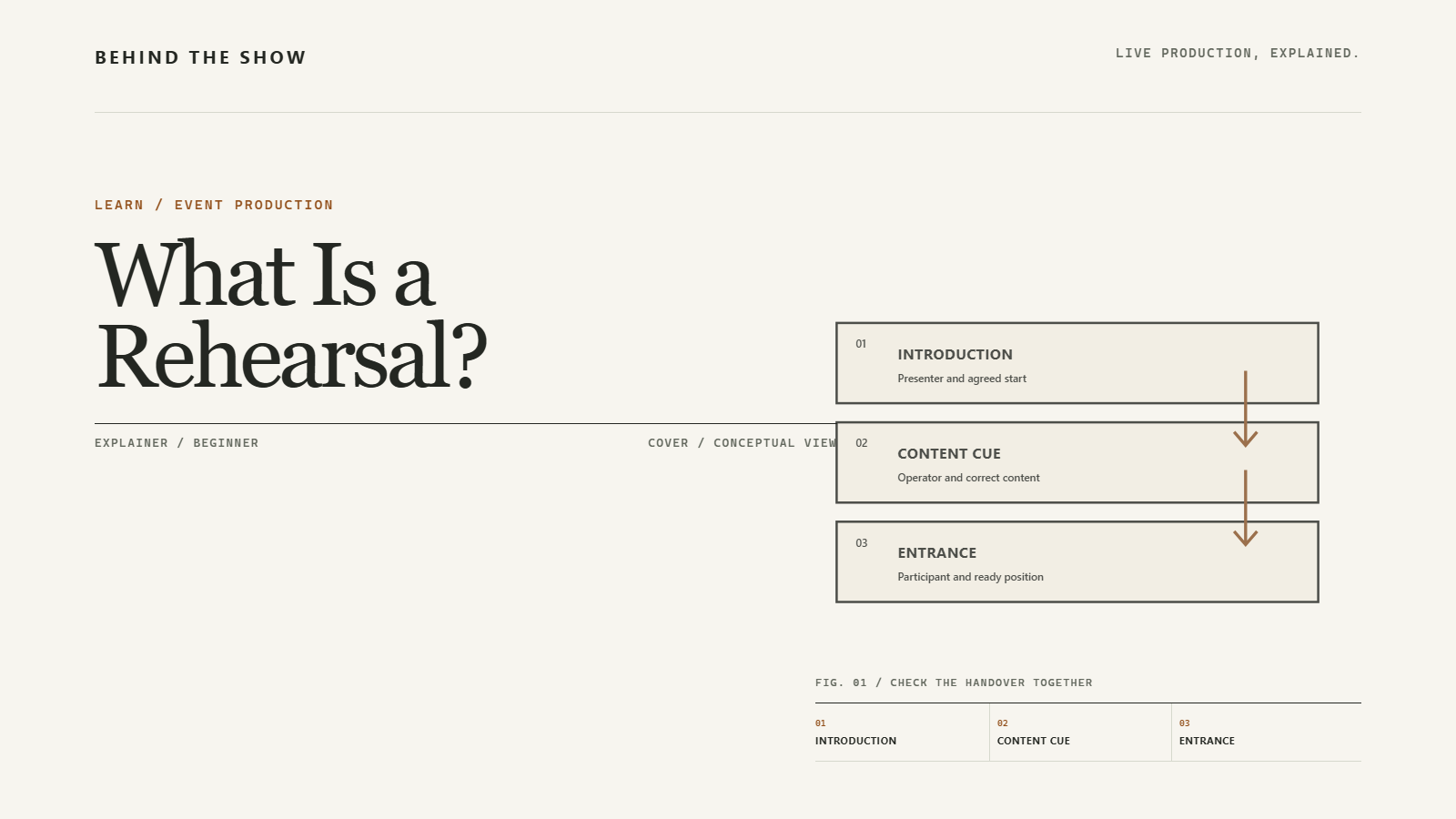
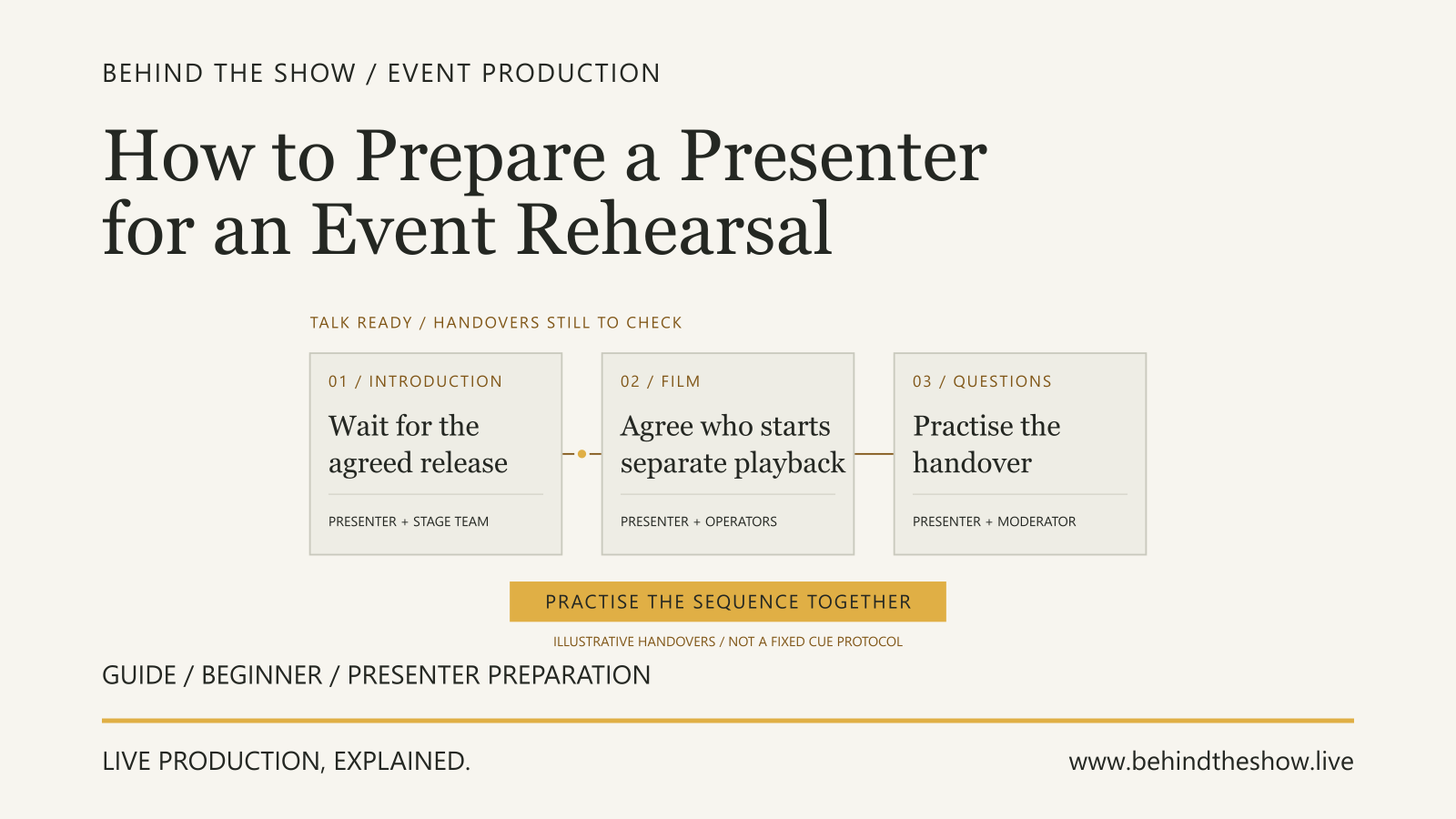
A device test is useful preparation. For example, Zoom documents selecting and testing the speaker and microphone. That test does not demonstrate that a venue microphone, locally played clip or audience question reaches the remote participant. The Presenter Rehearsal guide explains how to prepare the participant's current content, playback control, introduction and handover into questions. Practise those actions alongside the receiving checks described here; participant preparation does not replace testing the actual remote exchange.
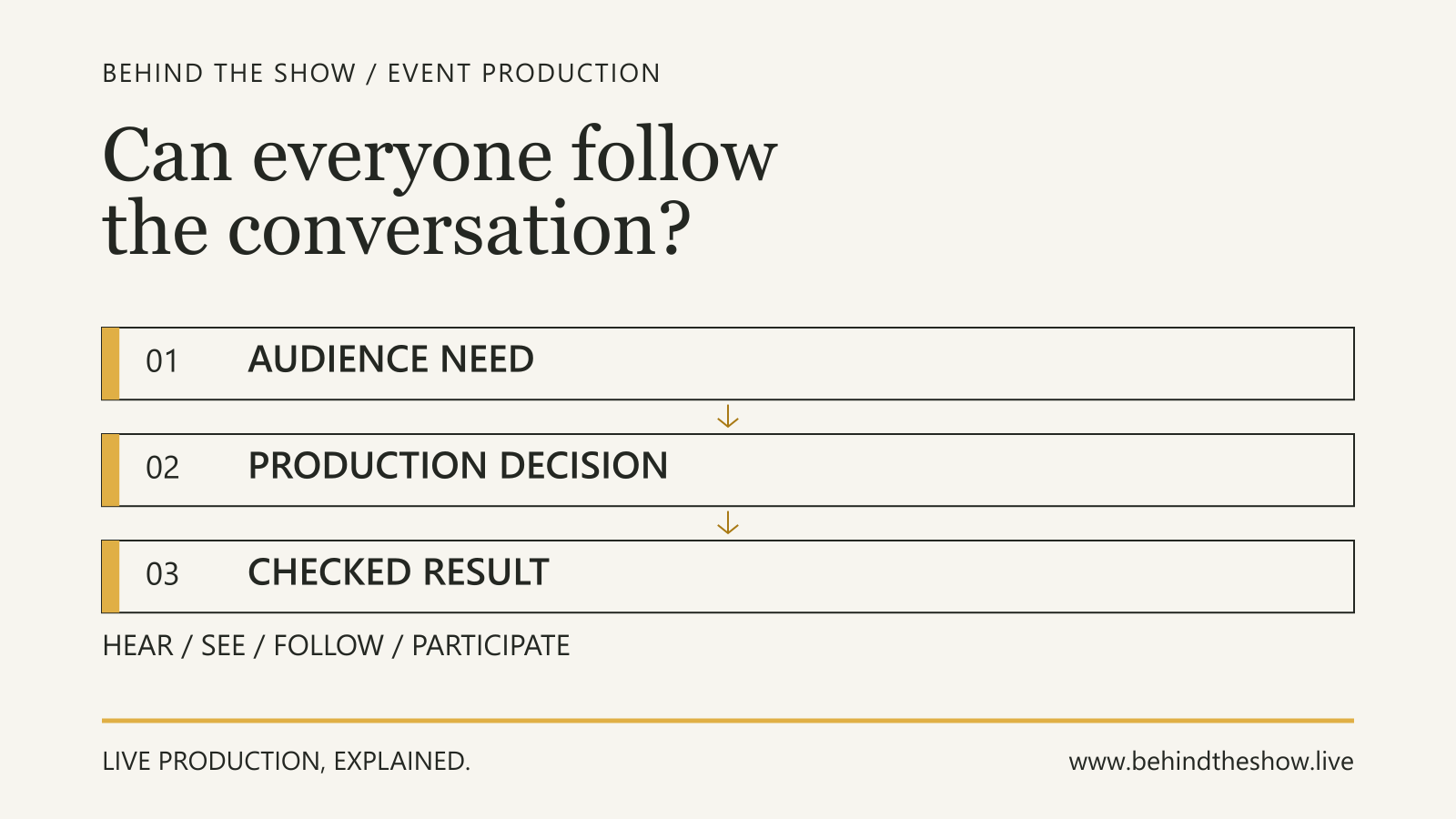
After checking the relevant device and session arrangements, test the exchanges needed for the actual contribution. Use the intended participant and environment where practicable. Ask receiving participants to confirm what they can follow, and check the corresponding room outputs. A moving level meter or picture preview is not the whole result.
Then rehearse the programme handover: how the person knows they are about to appear, who introduces them, who starts content, how questions reach them and how their contribution ends. Agree a usable way to confirm readiness without assuming the participant can hear the crew's intercom.
The Rehearsal explainer develops the distinction between practising a sequence and checking individual systems. Preserve the limits of any session using a stand-in or an earlier content version.
Worked example: a remote panellist introduces a clip
Consider a fictional conference panel with a moderator and two panellists onstage, plus one remote panellist. The remote panellist introduces a short approved video. The venue playback team runs that file, then the discussion resumes and the room audience can ask questions.
This is a separate production from the examples in the audience-experience guide, Run of Show and Rehearsal guides. It has no public live stream or recording in scope. The producer has agreed who can change the programme; a remote operator manages the call; the audio, video/playback and stage teams own their assigned technical and participant work. These are this example's allocations, not standard job boundaries.
Agree the exchanges before testing
| Programme exchange | Venue needs to receive | Remote panellist needs to receive | Agreed responsibility and check |
|---|---|---|---|
| Introduction into the panel | Remote voice and the agreed camera picture when introduced | Moderator's introduction and an understood readiness instruction | Remote operator coordinates the participant; relevant audio/video teams and moderator rehearse the handover |
| Locally played video | Approved file's picture and sound at the agreed audience destinations | The clip's relevant picture and sound so the panellist knows what has played | Playback and remote/audio teams check the same approved file with the panellist receiving it |
| Discussion resumes | Panellist's reply and the agreed screen state | Moderator and other panellists as needed for the exchange | Moderator and remote panellist try the first question and response after playback |
| Audience question | The question and the remote reply | The actual question and enough context to respond | Stage/audience-facing, audio and remote teams rehearse the agreed question route with the receiving panellist |
| Private preparation or hold | Only the destinations agreed for that coordination message | The agreed preparation or hold instruction | Remote operator checks the route with non-confidential test words; relevant operators check that public outputs do not carry that test message |
The table specifies a requirement and a checking responsibility, not a wiring design. The technical people select and review the implementation, including relevant return audio and echo-control arrangements.
First attempt: the remote panellist misses the clip audio
The participant joins using the intended device and location. Their voice and picture reach the room, and they can follow the moderator. When playback starts, the room receives the video and sound, but the remote panellist sees the clip without hearing it.
Record the observation: the clip audio was not received at that remote endpoint in this test. Do not infer that the internet failed or that the file is corrupt. The working room playback and the remote return are different parts of the arrangement.
The audio and remote-participation teams review how playback reaches the participant. In this fictional example they identify that the selected remote return did not include the local playback audio. They agree and implement the correction within their scope. The finding is specific to this arrangement; it is not a diagnosis for every similar symptom.
Repeat the exchange, not just the missing sound
The team repeats the introduction, local playback, end-of-clip handover and moderator's first question. The remote panellist confirms they can follow the clip's picture and sound and respond to the moderator afterwards. The relevant teams also check the affected room outputs.
They then try an audience question and remote reply. Separately, a non-confidential private hold instruction is checked with the participant and at the intended room outputs. The result applies to those tested routes and states. Adding recording, another remote participant or a different return arrangement would require review of the affected checks.
This establishes more than “the video now makes sound”. It checks whether the panellist can take part in the intended handover after it.
Keep the open item and recovery decision visible
The closing slide is still awaiting approval. The content owner must supply the approved version; the playback team must check it and the remote operator must coordinate any affected participant check before use. The rehearsal does not establish that an unseen replacement slide is ready.
For a lost connection, the producer has authorised the moderator to continue an agreed in-room discussion while the remote operator contacts the participant through the separate agreed route. An audio-only alternative remains a proposal, not an approved or tested fallback. The caller cannot announce it as ready merely because a telephone is available.
The participant's reappearance in the session is not the instruction to put them back into the programme. The remote operator arranges the relevant receiving checks and reports readiness through the agreed route. The person authorised for programme decisions confirms when to reintroduce the contribution.
The record therefore contains a checked panel exchange, an unapproved content item and a defined initial response to disconnection. It does not say that the whole production, every possible fallback or the audience's satisfaction has been verified.
ILLUSTRATIVE SCENARIO
Put the participation plan into the working documents
Carry the joining and standby arrangements, content references, readiness conditions, introduction and closing handovers into the appropriate current documents. The run of show should show where the contribution fits and what must be ready, without exposing confidential access information.
Agree how the operator, moderator, caller and participant receive changes. Keep programme audio, private coordination and authority to change the programme distinct. The Production Communications guide explains the wider communication boundaries.
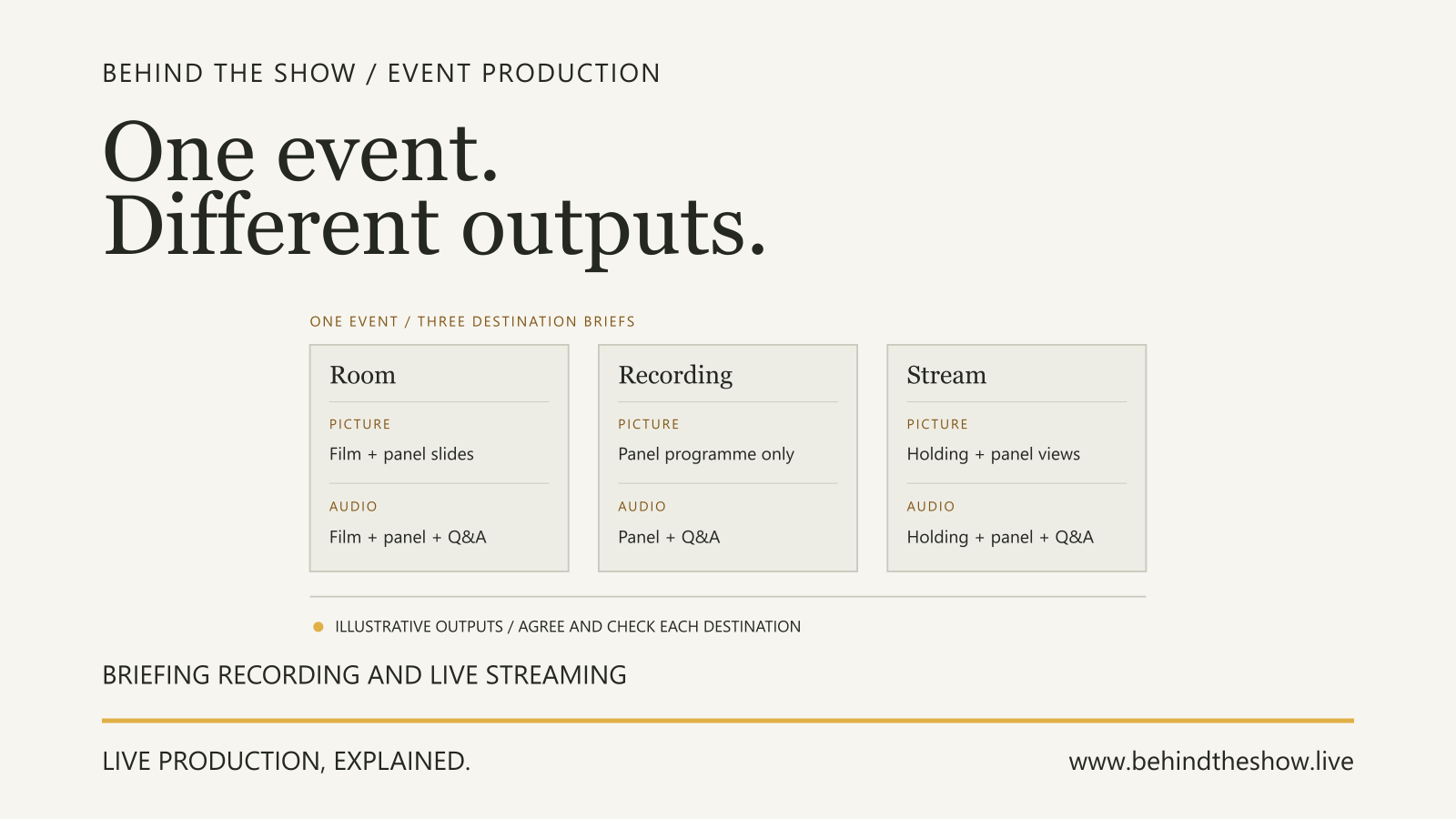
Do not presume that a remote contribution includes a live stream, a recording or permission to reuse the content. Confirm those deliverables and necessary permissions separately with the organiser and relevant people; this guide is not legal advice. The Recording and Live Streaming Requirements guide develops the separate output brief: what each destination should see and hear, what is excluded, and how the recording or stream will be checked and accepted.
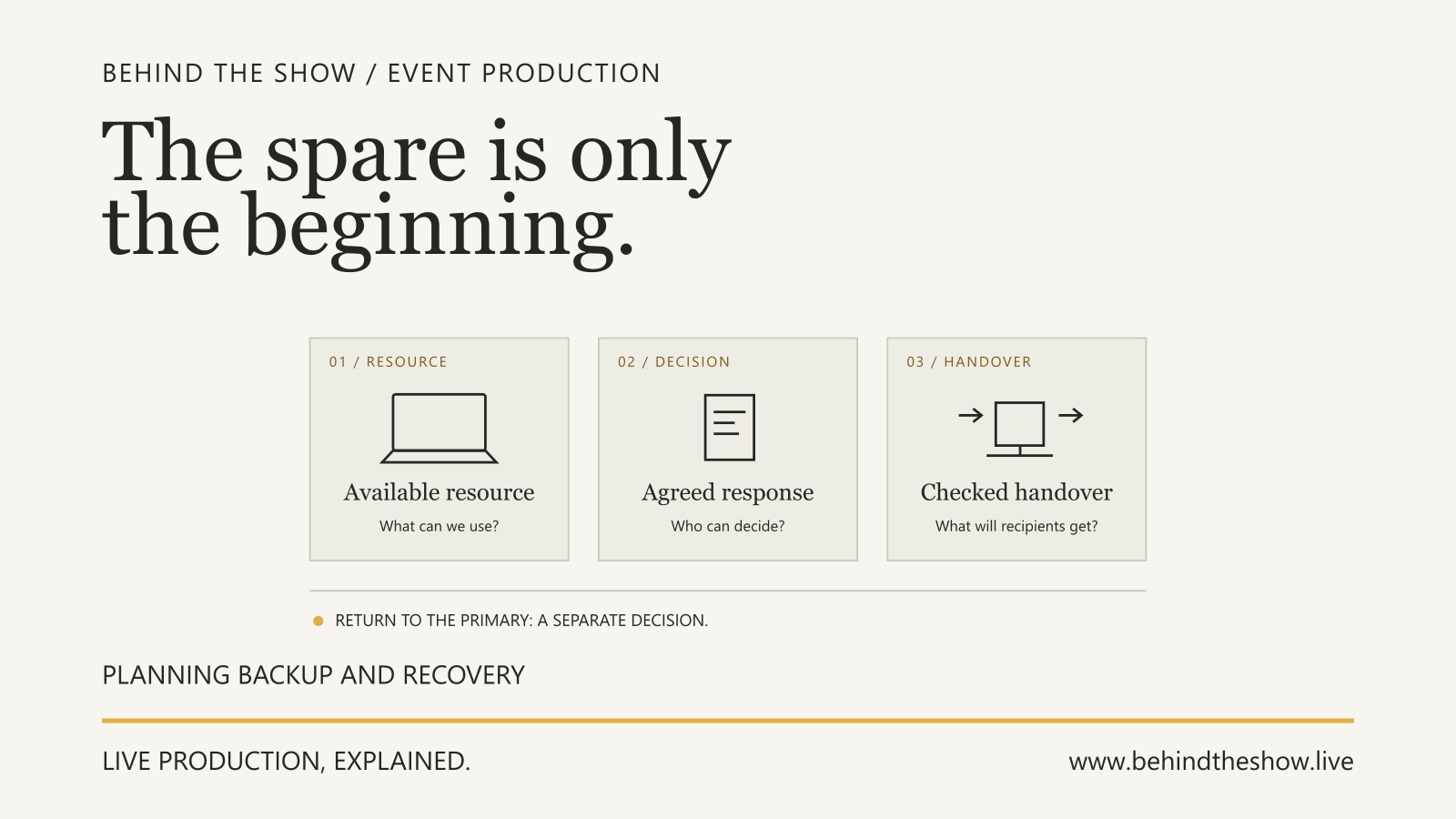
Before delivery, leave a clear record of what was tested, what changed afterwards, who owns remaining work and which decisions are still required. If the connection fails, follow the agreed recovery route rather than improvising an untested second system into the live programme. The Backup and Recovery guide develops how to agree switching authority, rehearse the response and decide separately when to return to the original arrangement.
Plan what the participant needs to receive, not only what the audience needs to receive from them.
Related questions
How do you plan remote presenter participation at a live event?
Agree the participant's role, what each side must hear and see, joining arrangements, responsibilities and programme handovers. Test the intended arrangement, rehearse the exchange and record open items and authorised recovery decisions.
What should be tested before a remote presenter goes live?
Check the intended joining role, device and location, required audio and video in both directions, content playback, questions, private coordination and the handover into and out of the programme. Record what the actual participant confirmed and what remains untested.
What should happen if a remote presenter disconnects?
Follow the agreed programme and recovery decision. The assigned operator coordinates reconnection and relevant checks; the authorised programme lead decides how the event continues and when the contribution returns. A reconnected device is not, by itself, confirmation that the contribution is ready.
What information is needed for a remote presenter?
Identify the person's role, whether communication is one-way or two-way, whether audio and video are required, what the remote person and venue must each see and hear, the platform if known, connectivity, recording or streaming needs and technical-test status.
What should be checked before audience Q&A begins?
Check the agreed question route, relevant access arrangements, who manages the handover and whether the intended recipients can follow the question and reply. Include remote contributors where applicable, and record untested conditions and unresolved responsibilities.
Sources & references
- Testing your audio settings for Zoom meetingsZoom / primary document
- Audio and Talkback, vMix 29 User GuideStudioCoast / vMix / manufacturer
- Managing audio echo in a meetingZoom / primary document
- Making Events Accessible: Checklist for meetings, conferences, training, and presentations that are remote/virtual, in-person, or hybridWorld Wide Web Consortium, Web Accessibility Initiative / primary document
- P300 User GuideShure / manufacturer
Continue learning