9 min read
GUIDE / Event Production
How to Hand Over Content for Event Screens
Hand over event content by identifying the intended audience and destinations, providing the current approved source, and obtaining the required content canvas and delivery specifications from the video team. Record any proposed treatment of a mismatch, who approves it, who prepares and operates playback, and how audio, recording and streaming are handled. Arrange checks using the exact delivered version and intended outputs, keeping approvals, results and open items separate.
On this page
Give the delivery team the intended presentation, current file and decisions it needs to prepare and check the event outputs.
Begin with the intended presentation
Before sending files, describe what the audience should see and hear, where the content appears and how it fits the programme. A presentation behind a speaker, a full-screen film and a background graphic may need different treatment even when they use the same display.
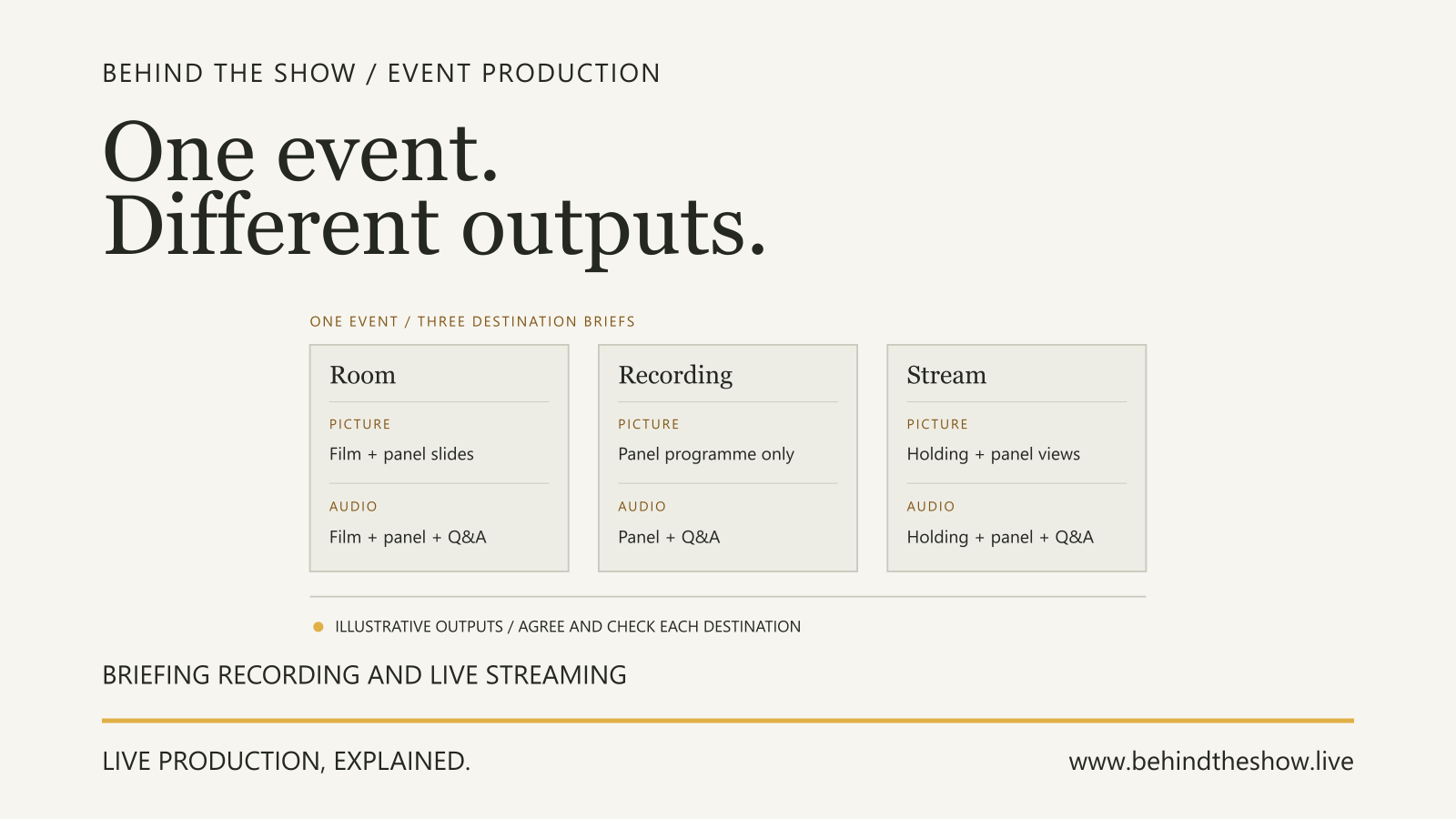
Identify each intended destination. The room screen, presenter display, recording and stream may need different pictures, sound or timing. Ask what each should receive rather than treating them as one output. For the broader output brief, the Recording and Live Streaming Requirements guide explains how to agree what the room, recording and stream each include, who accepts the results and what must be checked.
Include these outcomes in the production brief. If a destination is not required, record that decision; if it is undecided, keep it open.
Obtain the content requirements from the video team
Physical screen dimensions describe size in the room. Pixel dimensions describe a digital image or canvas. Aspect ratio describes width relative to height. These are different pieces of information, so a physical screen size alone is not a content delivery specification.
Frame aspect ratio and pixel aspect ratio are also distinct. The former describes the image frame's shape; the latter describes the shape of its pixels. Ask the video team to confirm the relevant interpretation rather than assuming all files use square pixels. Adobe explains this distinction.
Here, content canvas means the pixel area the video team asks the content creator to prepare for the intended presentation. Ask whether that covers the complete presentation or a region within it. Do not assume it is identical to a source file, an output connection's resolution or every physical display's pixel arrangement. In one documented playback application, composition size sets rendering resolution and output selection can distribute parts of that composition to different screens. These are separate controls, not a specification for your event. Resolume Composition, Input Selection.
Obtain the required canvas, aspect interpretation, destination and delivery requirements from the responsible video contact, with the date and version of that instruction. The team should specify the file and playback requirements appropriate to the actual arrangement. There is no single codec, resolution or frame rate prescribed by this handover guide.
Identify the exact source and its owner
Provide an identifiable file or controlled delivery link, a version, the content owner and the person who can approve its use or alteration. State its programme purpose, intended destinations and audio expectation. Ask the video team to check the source properties against its requirement.
Distinguish approval of the message from approval of its presentation on the intended output. A client-approved film can still need an agreed treatment for a different canvas. Keep permissions for editing and use with the content owner; approval to show something in the room should not be assumed to authorize recording or streaming it.
Agree the delivery deadline with the team that must prepare and check the content. Identify which previous version the new delivery replaces so an operator does not have to guess between several files called final.
Resolve a mismatch before treating it as ready
If the source and required canvas differ, ask the video and content teams to describe the choices and their consequences. Options may include a new composition from the creator, preserving the source's shape within an agreed area, or a specifically reviewed crop. The appropriate treatment depends on the intended presentation and the content that must remain visible.
Record the proposed appearance and the person who can approve it. A ratio difference does not authorize a crop, stretch or redesign. Ask for a preview where it helps the content owner understand the proposed result, then retain the technical team's assessment and the destination test as separate steps.
Work through a source and canvas mismatch
Consider a fictional event receiving opening-film-v2. Its creator reports a 1920 × 1080 source with square pixels. The content owner has approved the film's message. Initially, the coordinator knows only that it is intended for the room screen; no required content canvas has been confirmed.
The coordinator asks the video lead for the requirement. In this teaching example, the lead subsequently confirms a 2400 × 900 square-pixel content canvas for the room presentation. These numbers are fictional document inputs, not recommended resolutions, output settings or evidence of a selected display system. Only after that confirmation does the coordinator record the difference: the source is 16:9 and the required canvas is 8:3 under the stated square-pixel assumption.
The film includes text that the content owner wants preserved. The video lead proposes keeping the source's proportions within the wider presentation, with surrounding artwork supplied by the creator. The creator must prepare a preview for the content owner's decision. This is a proposal, not an instruction to implement it.
Received source
1920 × 1080 pixels
Confirmed room content canvas
2400 × 900 pixels
| Handover item | Known information | Decision or action still needed |
|---|---|---|
| Source | opening-film-v2, creator-reported 1920 × 1080, square pixels | Video team to verify the received file's properties and compatibility |
| Room content canvas | Video lead confirms 2400 × 900, square pixels, for this example | Keep the confirmation attached to the room destination; do not copy it to other outputs |
| Proposed treatment | Preserve source proportions with creator-supplied surrounding artwork | Creator prepares preview; content owner approval remains open |
| Playback preparation | Video supplier owns receipt and preparation within its agreed scope | Operator assignment and delivery deadline must be confirmed |
| Room audio | Film is intended to be heard by the room audience | Audio lead and playback team agree their interface and test responsibilities |
| Recording | Client requests the film in the event recording | Recording owner confirms the required picture and sound; content owner confirms permitted use |
| Stream | Inclusion has not been decided | Programme and content owners decide inclusion before technical requirements are finalized |
The coordinator does not silently select a full-frame crop or mark the film ready because a file has arrived. The preview, treatment approval, operator assignment and delivery deadline remain open. The room canvas confirmation does not resolve the recording's picture requirement or the stream's inclusion decision.
The video lead will identify the checks for the eventual delivered treatment through the intended playback and room presentation. The audio lead will agree how the film's sound is checked in the room. The recording owner must establish its own picture and sound checks, and any stream checks depend on the outstanding inclusion decision. No test result is entered at this stage.
The handover retains opening-film-v2 as the received source and identifies the proposed treatment separately. If a new treatment file is later delivered, its version must be recorded with the applicable approval and required checks. At the end of this example, the mismatch is understood, but treatment approval and testing remain open. Nothing in the record asserts a passed playback test or technical acceptance.
ILLUSTRATIVE SCENARIO
Keep delivery responsibilities visible
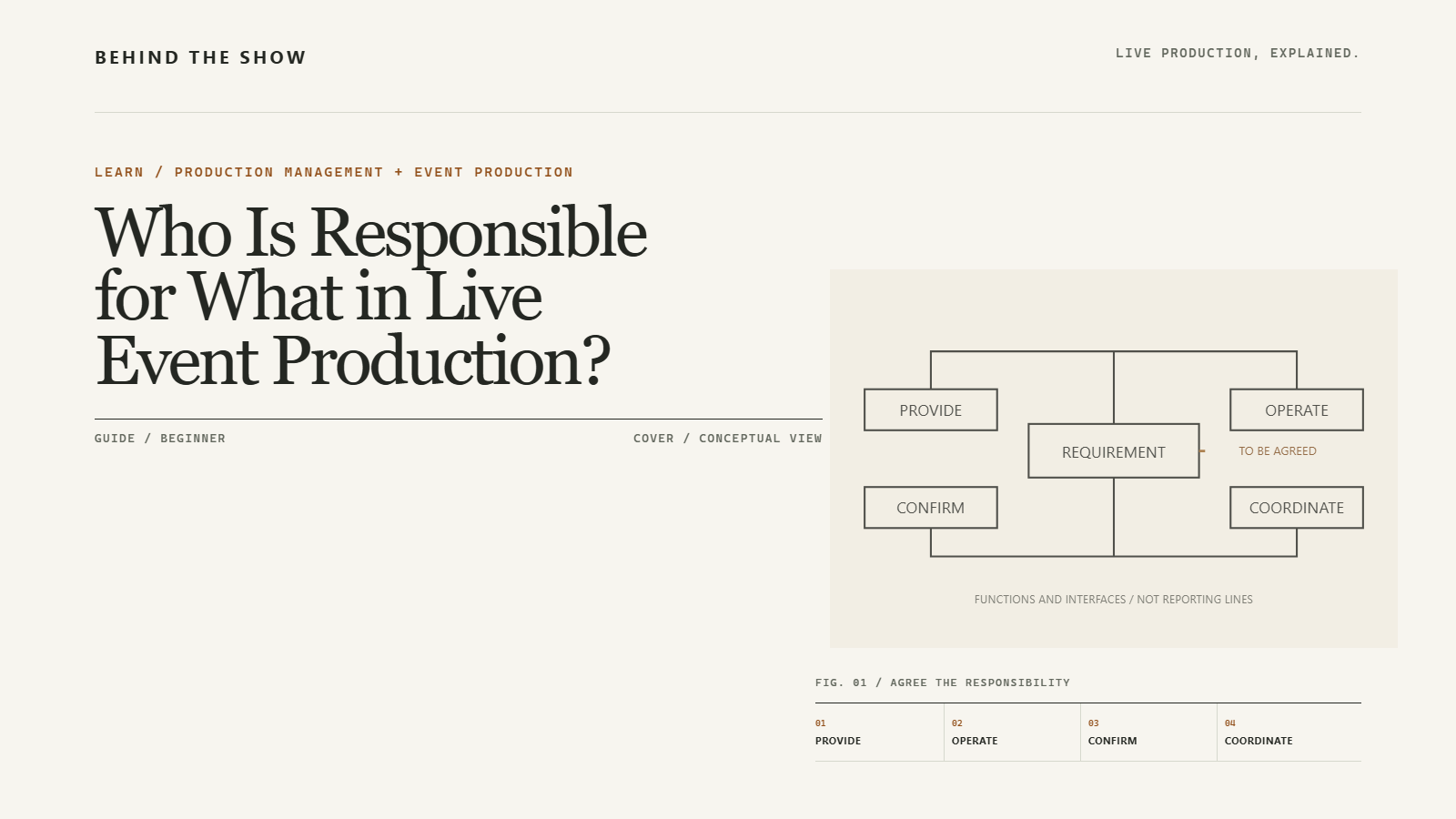
Agree who provides, prepares, operates and approves each requirement. The content owner supplies and approves the message; the creator may prepare revisions; the video team confirms the content requirement and prepares playback. The actual division of work must be agreed for the event.
Keep the audio owner and destination owners visible. Room sound is not automatically the recording sound or stream sound, and a room picture does not establish which picture another destination receives. Confirm those requirements with the responsible teams without designing their routing yourself.
Identify who starts the content and how that action is coordinated with the programme. File delivery, playback operation and cue communication are separate responsibilities even when one person performs several of them.
Arrange checks of the delivered content and outputs
A preview on the sender's computer does not establish the result on the intended destination. Ask the responsible teams to agree a check using the exact delivered file, proposed treatment and planned playback arrangement. Include each required picture and audio destination and the programme handover that depends on it.
Test patterns can help inspect an output. For example, Resolume documents a test card showing resolution information and moving imagery. That feature is evidence of an output diagnostic, not proof that the event's approved content, sound, cue or recording has been checked. Resolume Output Setup.
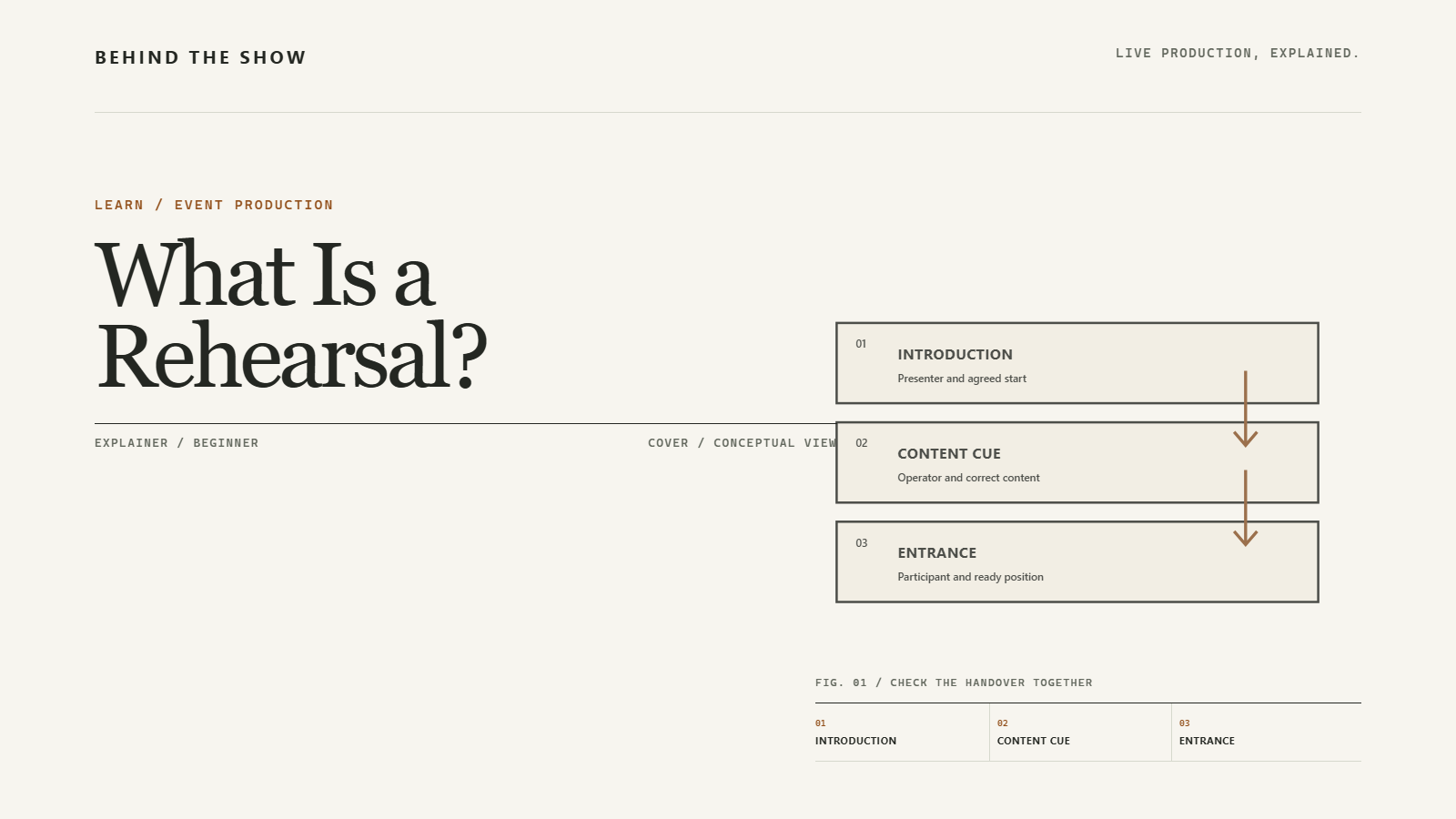
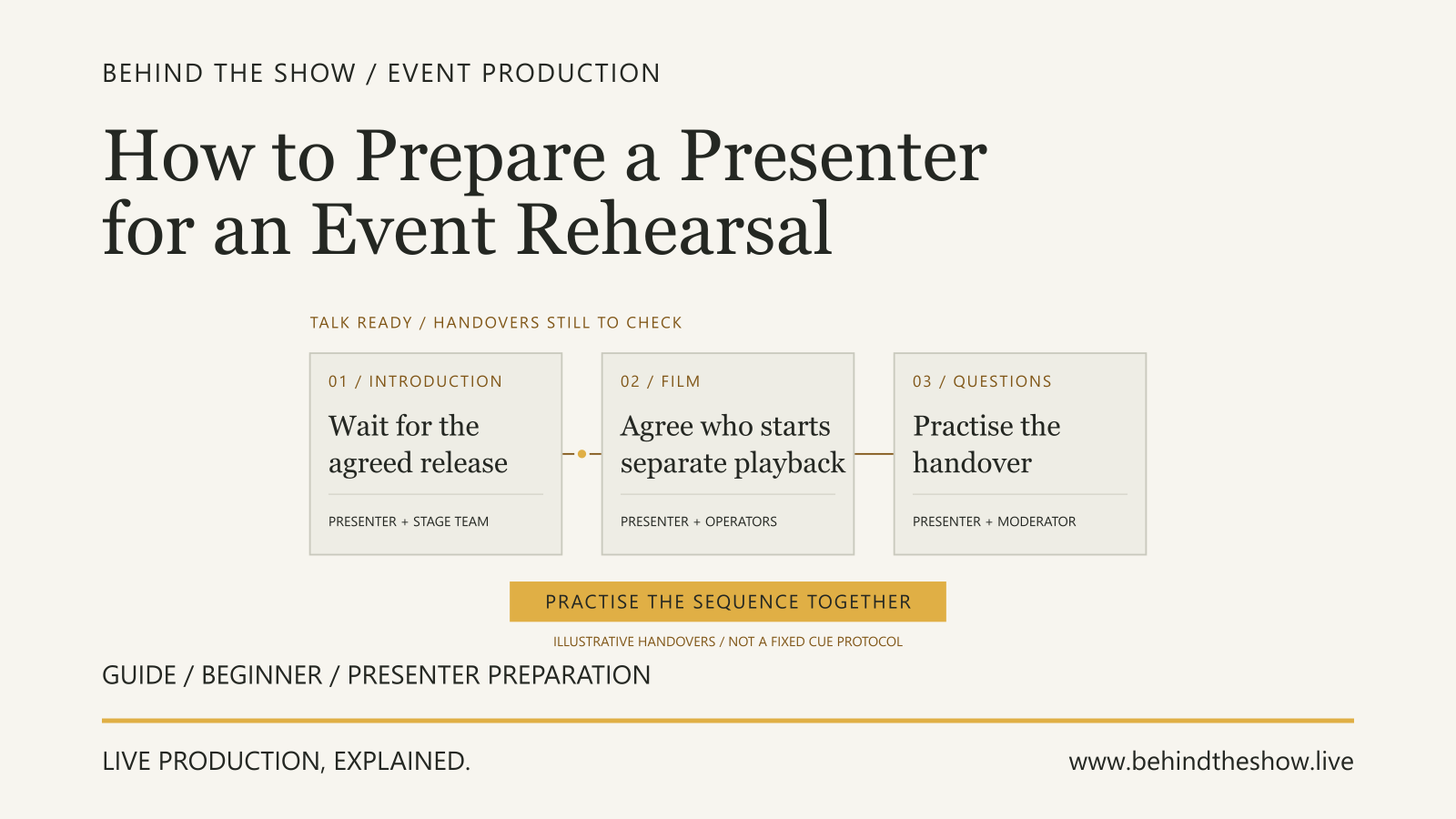
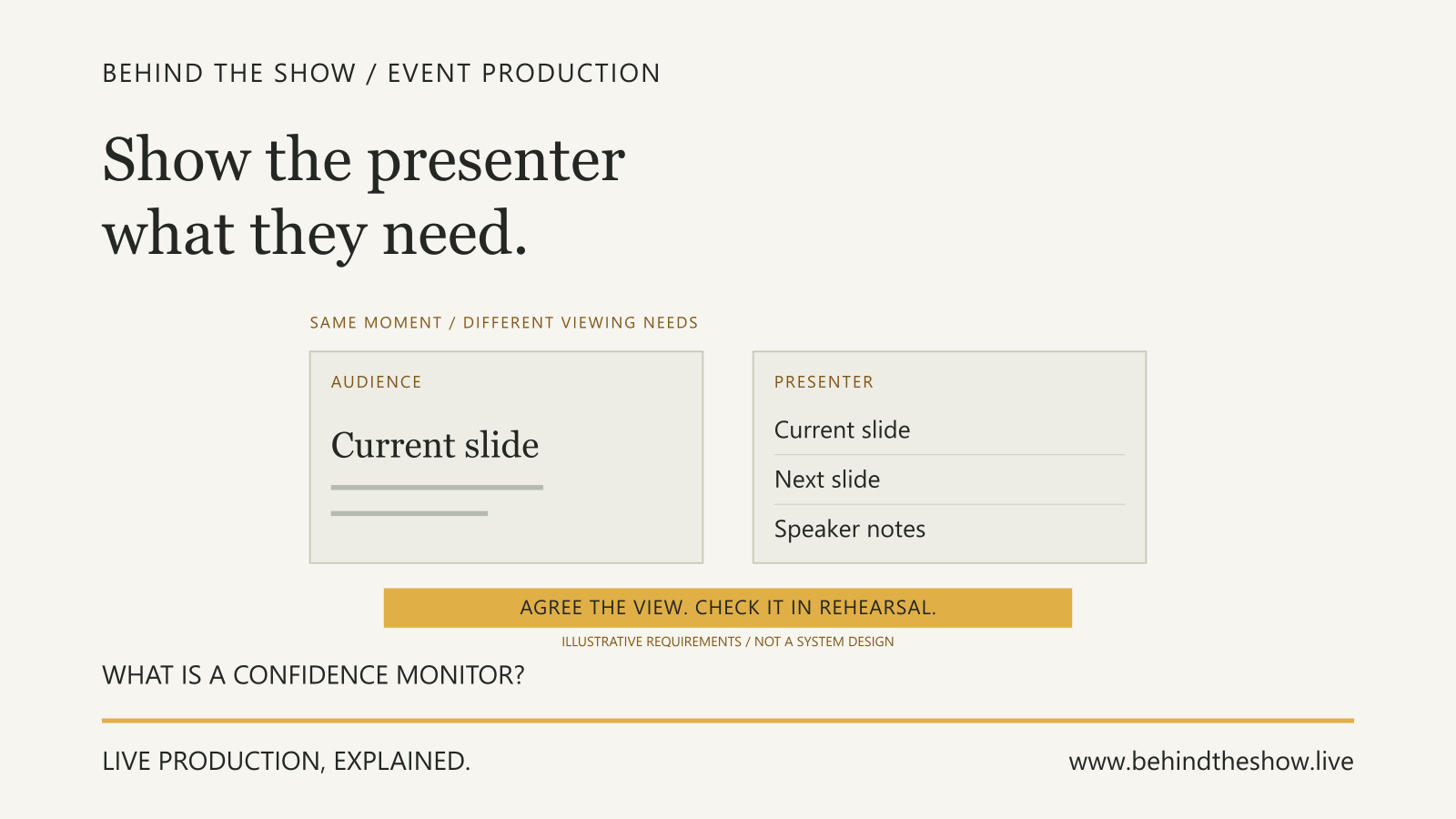
Use rehearsal to practise the relevant programme actions and transitions where required. Keep playback checks and programme practice identifiable so an untested item does not disappear under a general rehearsal label. The Presenter Rehearsal guide develops the participant handover: agree who advances slides, who starts separate playback and what the presenter needs to see, then try the relevant sequence together. Delivering a file does not assign its operating cues.
Record the version, destinations checked, responsible people, result and unresolved actions. Content approval, technical checking and permission to use material at a destination each answer a different question. Keep them separate in the handover.
Reissue the handover when the file changes
Identify the replacement, what changed and which approval it carries. Ask affected teams what preparation or checks must be repeated, including audio or destination changes. Do not carry a previous result onto a revised file without review.
Update the content record and relevant programme information together, and obtain acknowledgement from those preparing and operating it. Keep outstanding decisions with an owner and decision point during production advance.
A usable content handover connects an identifiable asset with its intended presentation, responsible people, approvals and actual check results.
Related questions
How should production responsibilities be recorded?
Record specific requirements, named participants, delivery and approval functions, dependencies and unresolved work in a shared current plan.
Who approves changes to a live production?
Approval depends on the decision and agreed authority. Identify the relevant client, artist, venue or specialist approver and communicate the result to affected teams.
What should be ready before an event rehearsal?
Prepare the current programme, relevant content, usable systems, stage access and necessary participants. Agree the session's purpose, leadership, cue communication and responsibility for recording changes.
What happens if information is still missing after the advance?
Keep it visible as an open item with an owner, dependency and decision point. Where appropriate, record an agreed temporary assumption or allowance rather than presenting the information as confirmed.
Sources & references
- Adobe Premiere aspect ratiosAdobe / technical reference
- Resolume CompositionResolume / technical reference
- Resolume Input SelectionResolume / technical reference
- Resolume Output SetupResolume / technical reference
Put the knowledge to work
Check your understanding
Three questions from this guide, with an explanation after each answer. Optional, untimed and just for you. Answers and scores are not saved.
Continue learning