9 min read
GUIDE / Technical Riders
How to Build an Input List
To build an input list, identify the audio sources in the current performance, give each a clear reference, record the agreed microphone or connection method and useful preparation notes, then reconcile the list with the stage plot and technical rider. Ask the receiving audio team to review unresolved details, and issue a dated revision when the agreed information changes.
On this page
Start with the performance, give each audio source an identity and keep the decisions still needed visible.
Start with the performance
Before filling in rows, establish who is performing and what they will use. A five-person band does not necessarily have five audio inputs. One performer can provide several sources; another may share an instrument or microphone.
If the term is new, read What Is an Input List? first. This guide is about preparing the information, not choosing a sound system.
Give each source a clear identity
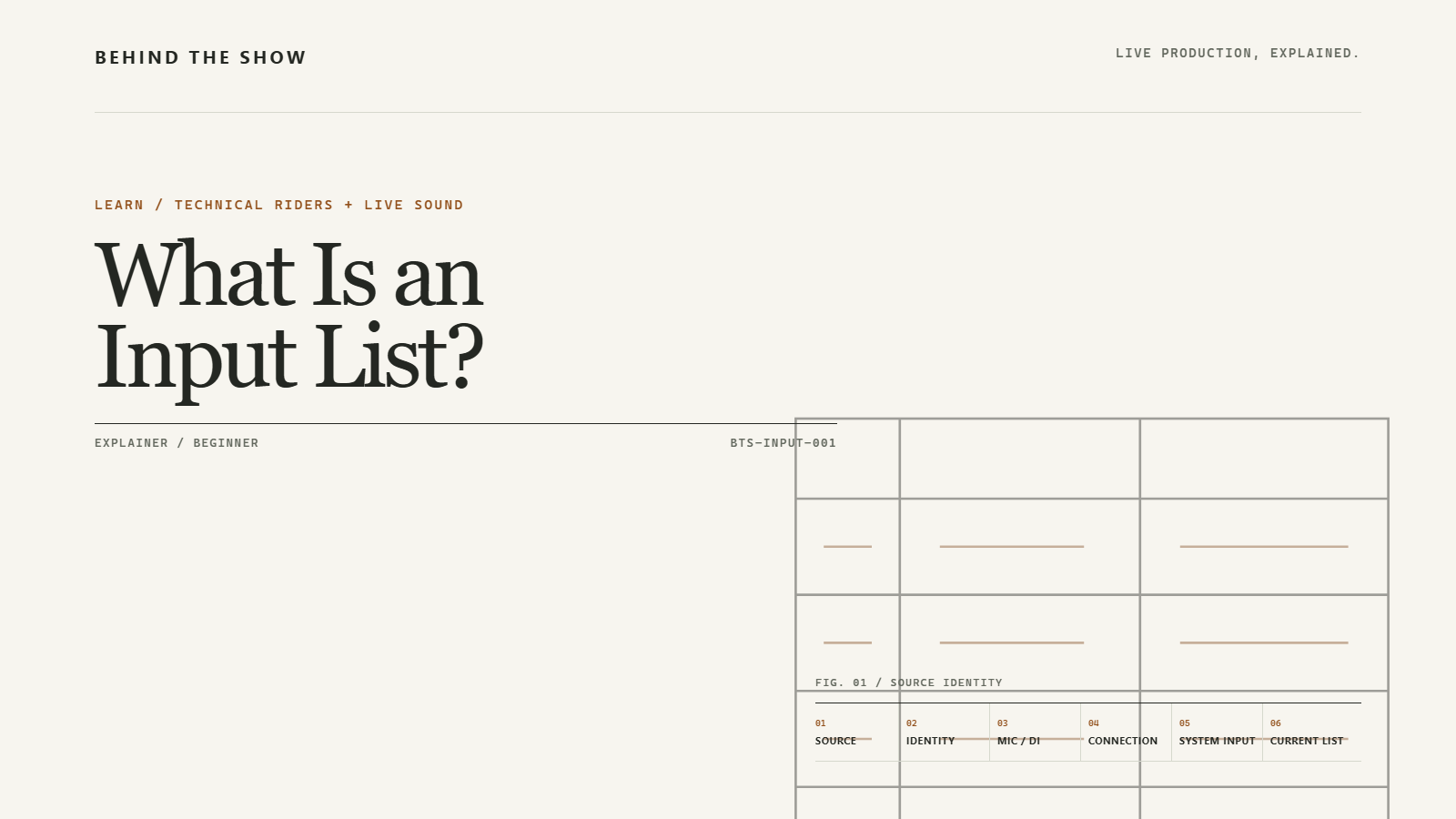
List the sources the audio team expects to receive. Use names that distinguish similar entries: lead vocal, backing vocal at keys, keyboard left, keyboard right. A stereo source needs its two sides identified where both are intended to enter the system.
Do not quietly assume every instrument will be captured in the same way. Ask the performer or responsible audio contact what outputs or acoustic sources are actually part of this performance.
Record the capture or connection decision
For each source, record the agreed microphone, DI or other connection method where known. If it is undecided, write To be confirmed and identify who will confirm it. An unknown is more useful than a confident guess.
Do not copy microphone models or power settings from an unrelated rider. Device compatibility and power requirements need to be checked by the audio team against the equipment actually being used.
Add notes that affect preparation
Include the performer or location, relevant stand or mounting requirement and supply responsibility where these help the receiving team. A useful note changes what somebody needs to prepare. It is not a place to prescribe arbitrary console settings.
The list reference is not automatically a physical socket number. The receiving team may need a separate patch or mapping to suit its stage boxes, console, splits and workflow.
Read the list beside the stage plot
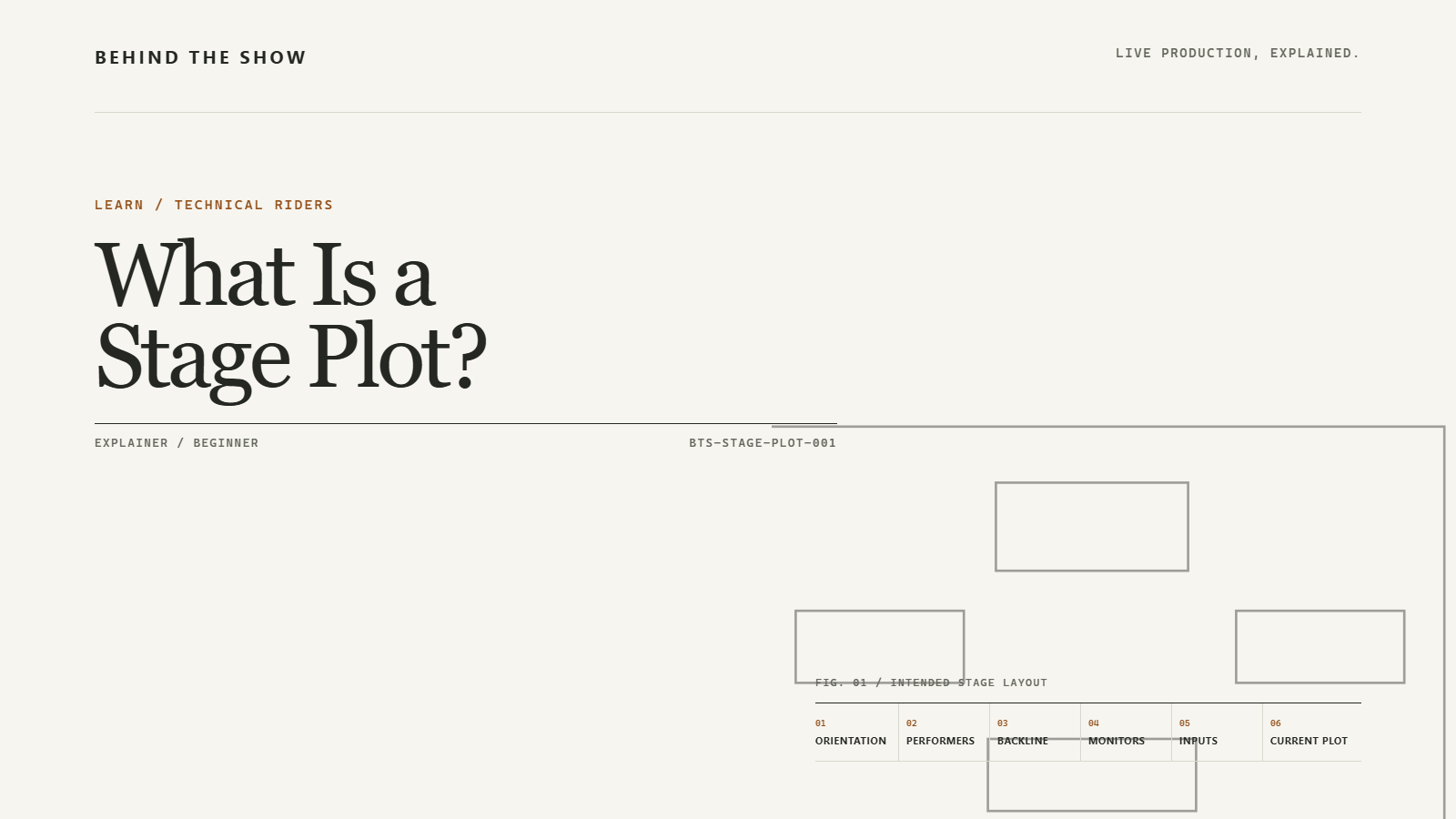
The stage plot describes positions. The input list describes sources. Check that performer names, instruments and locations agree across both documents.
If the keyboard position appears on the plot but the list has no keyboard source, ask why. The omission may be intentional or it may be a missing requirement. Do not add channels solely to make the drawing and list look symmetrical.
Make unresolved decisions actionable
Instead of writing only “TBC”, record the question and the person or team expected to answer it. For example: “Confirm whether keys will supply a stereo output; artist audio contact to confirm before the current list is issued.” Agree the actual deadline with the production rather than borrowing one from this example.
Review and issue the current version
Ask the receiving audio team to review the source count, methods, responsibilities and open questions with the technical rider. This is part of the production advance, not a substitute for it.
Give the list an identifiable version and revision date. When something changes, identify the changed entries and tell the affected teams. Replacing a file without explaining the revision can leave stage and console preparation working from different information.
The useful output is a list the team can prepare from, with the questions it cannot yet prepare from made explicit.
Annotated example
Illustrative partial extract, not a complete band input list, console patch or technical specification. The fictional performance uses drums, bass, a guitar amplifier, one keyboard requested in stereo and one lead vocal. This extract follows only bass, guitar, keys and lead vocal. Drum sources and other requirements are outside it; their absence is not a recommendation to omit them. The initial extract has five source entries, not five confirmed connections or the total inputs for the band.
The starting brief: The artist audio contact is reviewing the current performance with the receiving audio team. The keyboard request specifies left and right outputs, but their connection method is not yet agreed. The guitar capture method is a proposal. No microphone models, power settings or final patch have been approved by this example. Read the rows as a working requirement with open actions, not an equipment order. For this learning example, call the confirmed stereo arrangement Snapshot A and the later approved mono arrangement Snapshot B. These teaching labels identify two different states, not real revision numbers. The Stage Plot review uses Snapshot A; it should not be combined with Snapshot B as one current document set.
| Reference | Source | Capture or connection | Preparation decision |
|---|---|---|---|
| B1 | Bass | To be confirmed with artist audio contact | Confirm direct output, microphone capture or another agreed arrangement; do not infer from the instrument name. |
| G1 | Guitar amplifier | Microphone capture proposed, awaiting agreement | Confirm the actual amplifier arrangement and who supplies the microphone and stand. |
| K1 | Keys left | Connection method to be confirmed | Artist has requested stereo; review the actual outputs with the audio team. |
| K2 | Keys right | Connection method to be confirmed | Paired with K1, not a second keyboard. |
| V1 | Lead vocal | Microphone arrangement to be confirmed | Confirm performer position and microphone/stand supply responsibility. |
Why B1 exists: The bass performance needs an identified source for review, but the capture method remains unknown. The row gives the artist audio contact a specific question instead of prescribing a DI or microphone by assumption.
Why G1 exists: The brief identifies a guitar amplifier. Microphone capture is only proposed, so the row preserves both the pending agreement and microphone/stand supply questions. A plausible preparation method is not yet an approved commitment.
Why K1 and K2 exist: One keyboard has two requested output identities in this arrangement. Separate left and right entries let the team discuss both paths without counting a second performer or keyboard. These references are not physical socket assignments.
Why V1 exists: The lead vocal is a separate source. Its position and microphone/stand responsibility still need confirmation; the source name does not establish who supplies or operates anything. A useful list can identify a source before every preparation decision is settled.
A discrepancy and its resolution
In the fictional example, the stage plot labels one keyboard position while an older input list contains only “Keys”. The current rider requests stereo outputs. That is a clarification task, not proof that the drawing is wrong.
The artist audio contact confirms that this arrangement uses left and right outputs. The revised list replaces “Keys” with K1 and K2, and the plot uses the same performer/location label. The receiving audio team still needs to agree how those outputs will connect. The revision summary records “Keyboard source identity clarified as left/right; connection method remains to be confirmed.”
This distinguishes a resolved programme requirement from an unresolved implementation decision. It does not silently approve two DIs or assign two physical sockets.
Follow an approved change into the list
Later in the same fictional advance, the artist representative authorised to approve the performance arrangement confirms that the keyboard will provide one identified mono output instead of the previously requested left/right pair. The receiving audio team confirms that this is the requirement it will prepare for; the connection method still needs review against the actual instrument. This is an approved change for this example, not advice to replace stereo with mono on another show.
| Reference | Source | Capture or connection | Preparation decision |
|---|---|---|---|
| B1 | Bass | To be confirmed with artist audio contact | Unchanged: confirm the intended capture and supply responsibility. |
| G1 | Guitar amplifier | Microphone capture proposed, awaiting agreement | Unchanged: confirm the arrangement and microphone/stand provision. |
| K3 | Keys mono | One output identity approved; connection method to be confirmed | Replaces K1 and K2 for this revision; receiving audio team to confirm the connection with the artist audio contact. |
| V1 | Lead vocal | Microphone arrangement to be confirmed | Unchanged: confirm position and microphone/stand supply responsibility. |
Revision record: Retire K1 and K2 from the active extract and add K3, Keys mono. Record the approver, decision date and applicable list revision in the real working record. This extract now contains four active entries, not a complete band input count. Using K3 here makes the change visible; it is not a universal numbering convention. Do not silently combine the former paths, prescribe a connection or assume the old patch remains valid.
What remains open: The bass capture, guitar proposal, keyboard connection and vocal arrangement still need their stated confirmations. The coordinating contact should agree owners and follow-up times with the relevant artist, supplier and receiving teams. Circulate the revised list and change summary, reconcile the affected rider and stage-plot notes, and have the audio team review its patch and preparation. The earlier stereo requirement is superseded, not an instruction to erase the revision history.
Why this is not a completed check: Approval establishes the intended arrangement, not that its signal paths work. The affected preparation and line check still need completion; the performance and monitoring still need their relevant soundcheck. Keep previous results tied to the arrangement actually checked. An updated list alone does not establish show readiness.
ILLUSTRATIVE SCENARIO
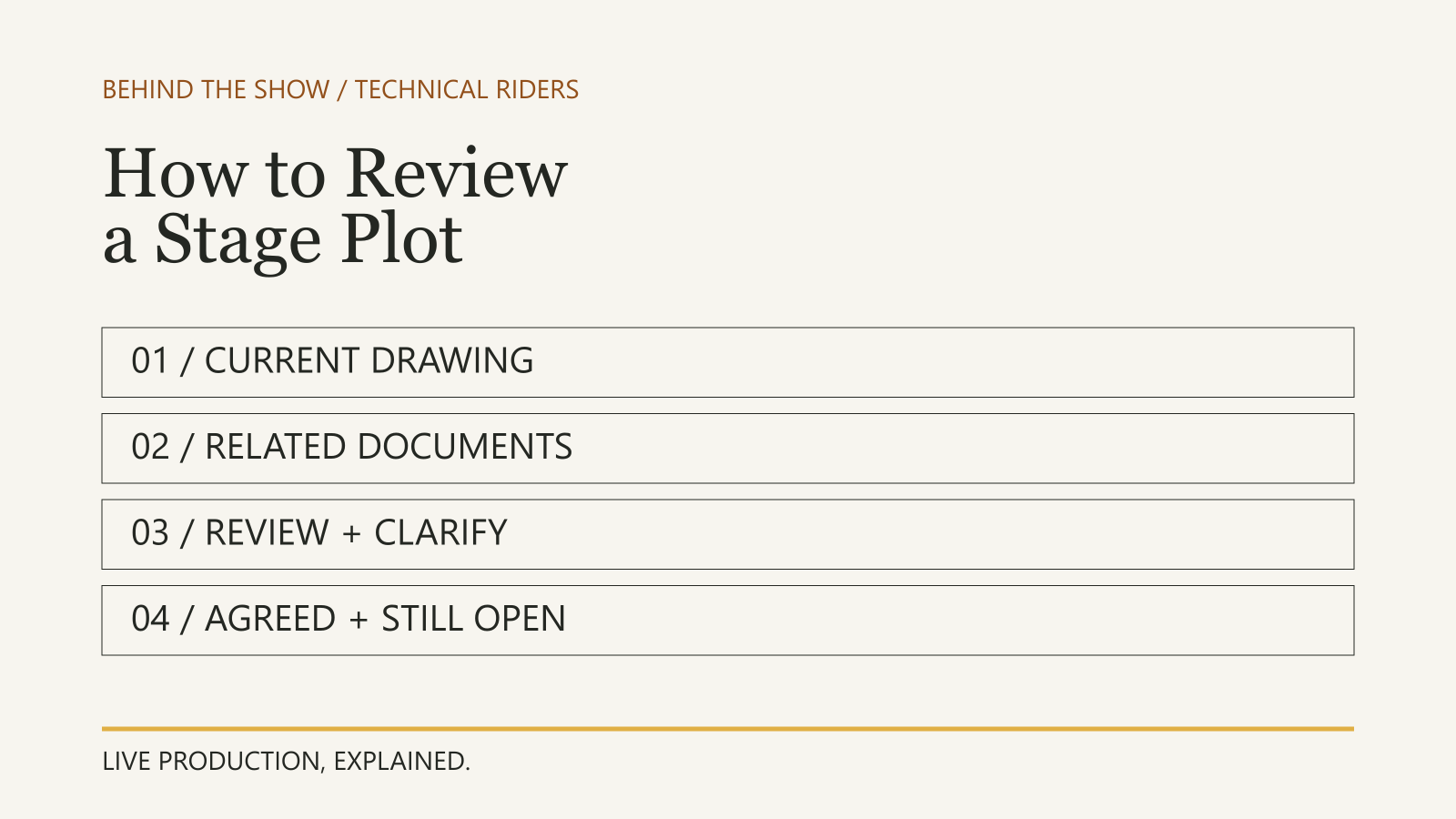
Next, review the documents together: How to Review a Stage Plot uses the earlier stereo snapshot to distinguish a source-count difference from a genuine supply contradiction. It adds venue-fit and responsibility questions rather than asking you to create another input list.
To practise the distinction between an approved requirement and evidence of a completed check, follow Prepare and check the audio. The route includes prerequisites, a worked exercise and an explained answer. For a separate conference-and-performance scenario, compare the five connected production-document extracts. The source identities stay consistent with the brief and stage positions, while a timing change demonstrates why an unchanged input list may remain current.
Related questions
What information should an input list contain?
It may contain input reference, source, microphone or connection method, stand, location, power, routing, responsibility and useful notes. The required columns vary by production.
Who prepares an input list?
It may be prepared by an artist engineer, technical director, production manager, musical director, supplier or another person who understands the performance sources.
Should microphones and DI boxes be listed on an input list?
List them where the capture or connection method affects preparation. A model may be essential or preferential, so the requirement should be clarified rather than assumed.
Does input order matter?
A consistent order helps preparation and communication, but it does not have to match every physical console socket. Clear source identity and mapping matter more than one universal order.
What happens if the input list changes?
Update the current version, identify the changes and notify affected teams so stage connections, console preparation, monitoring, recording and soundcheck planning can be revised.
What should you do if rider documents contradict one another?
Identify the discrepancy, obtain clarification from the appropriate contact and update the current working information rather than choosing a version by assumption.
Put the knowledge to work
Check your understanding
Three questions from this guide, with an explanation after each answer. Optional, untimed and just for you. Answers and scores are not saved.
Continue learning